
Your whole register on your phone
Download PDVyn on Google Play and turn the Android phone you already own into a register: sales, inventory, customers and store credit in your hand, with the dashboard on your computer when you need it.
Android 7+compatibleFreeto startOfflinesells offline
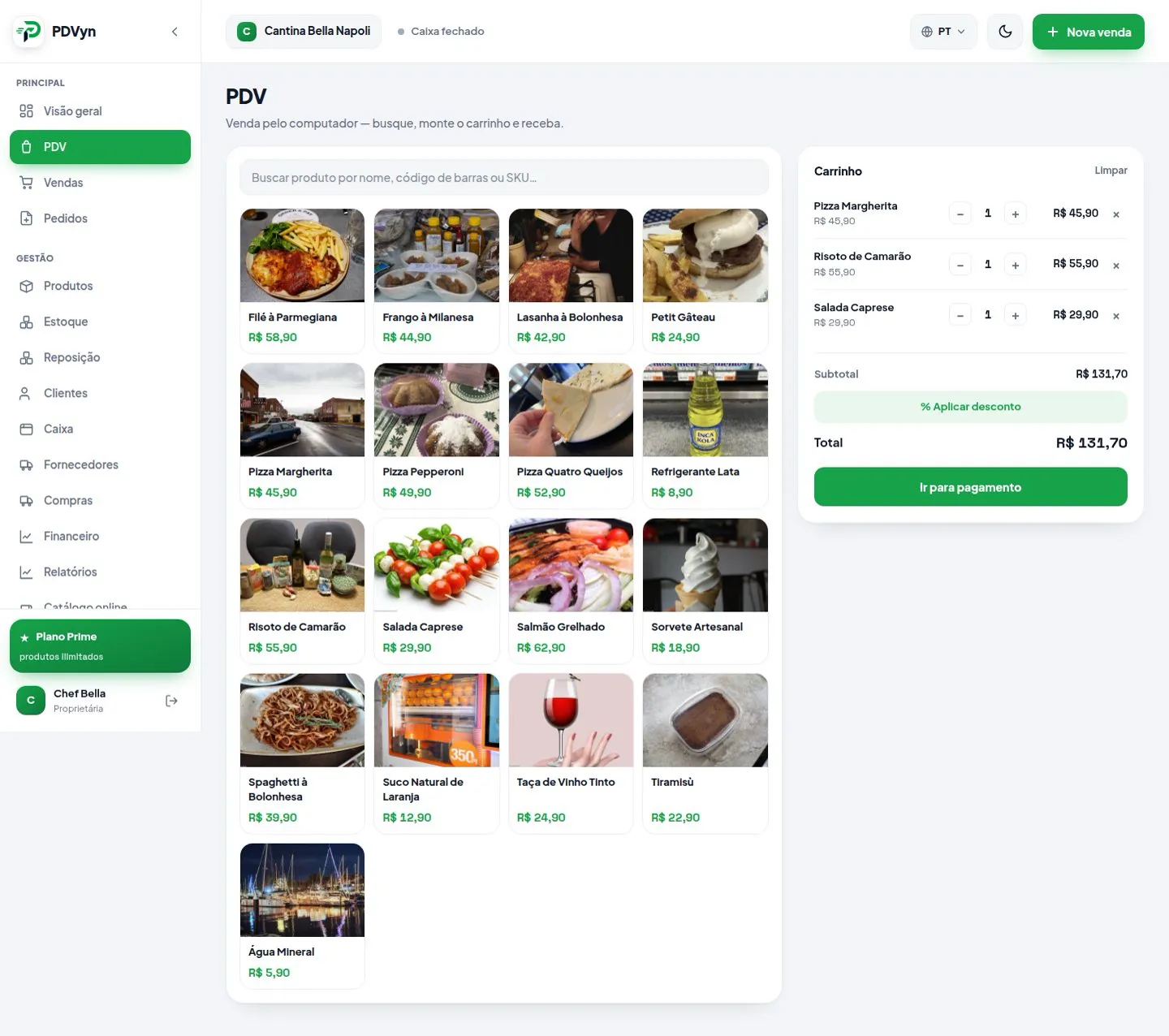
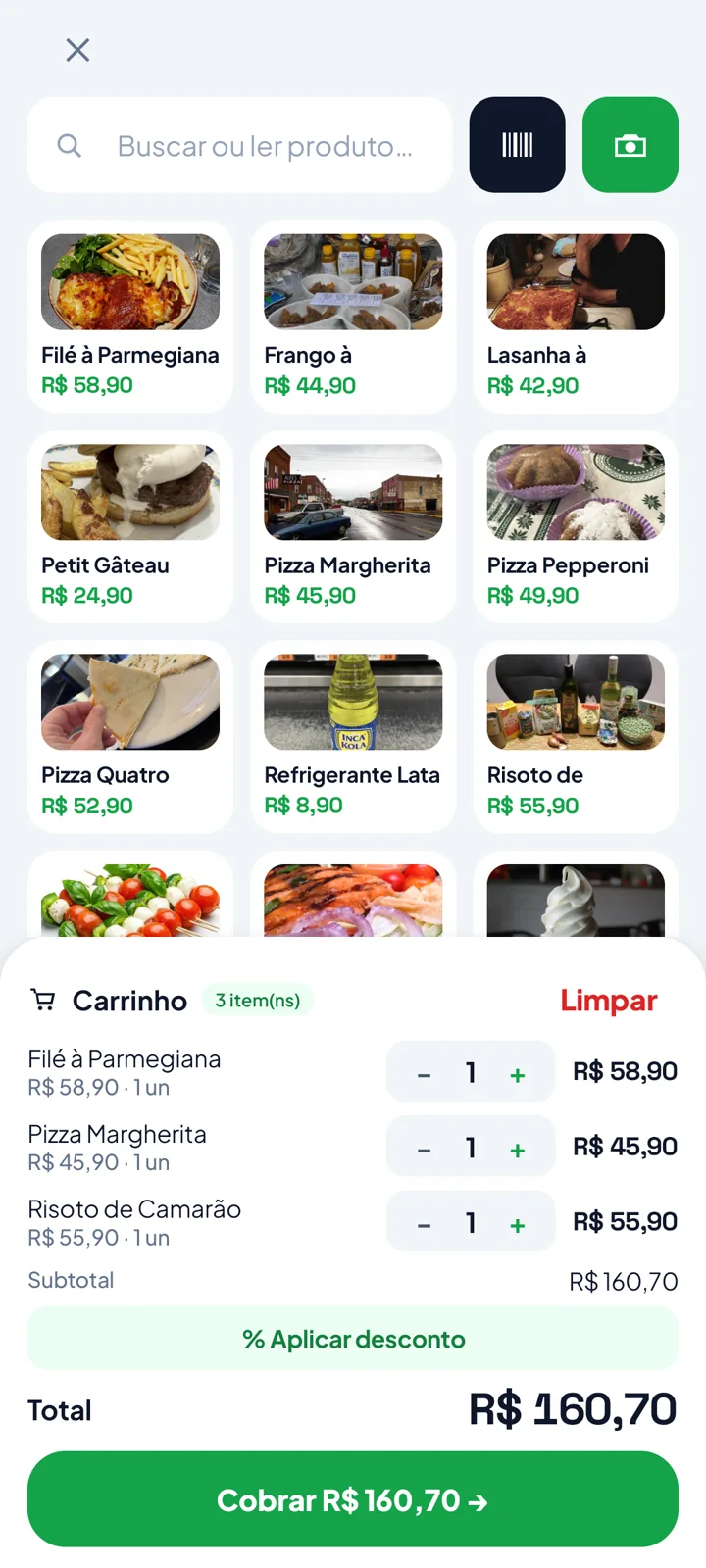
Sale recordedstock updated
01in your pocket
Everything the counter needs, on your phone
Built for one-handed use in the middle of a rush.
Camera or Bluetooth scannerCash, instant transfer, card and store creditSell by weight and with variantsDiscount cap for cashiersCash drawer opening and closingStock that updates itselfCustomers & store creditSells offline
Product variants on the Pro and Prime plans.
02first minutes
From download to your first sale
1
Download the app
Free on Google Play.
2
Create your account
Use email or Google and enter your store's name.
3
Add your products
Type or scan the code. Products sold by weight start in kg.
4
Make your first sale
Tap the products, choose how they pay, and you're done.
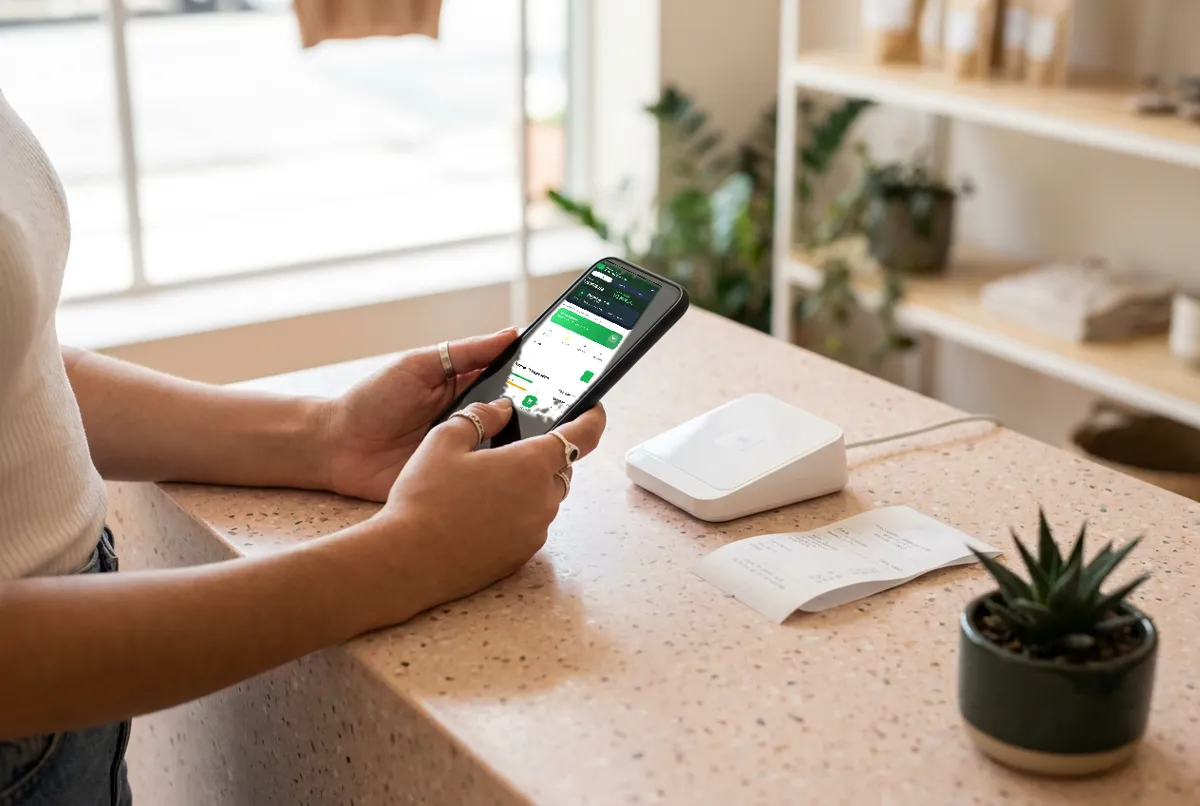
no new hardwarethe phone you already have
The phone already in your pocket becomes your store's register.
03where it works
Phone, tablet and computer
One account. You pick the device for each moment.
01Android phoneAndroid 7 and up, on Google Play.
02Tablet in landscapeThe register opens in two columns: products on one side, cart on the other.
03ComputerThe dashboard at app.pdvyn.com shows sales, inventory and finances.
04Barcode scannerBluetooth or the phone's own camera.
05More than one deviceEach user signs in with their own access, and it all lands in the same store.
06Worry-free updatesSales stored on the device survive app updates.