New 15 days of Pro free on every new sign-up
PDVyn
Log in Start free

Offline POS: the sale keeps going when the internet drops

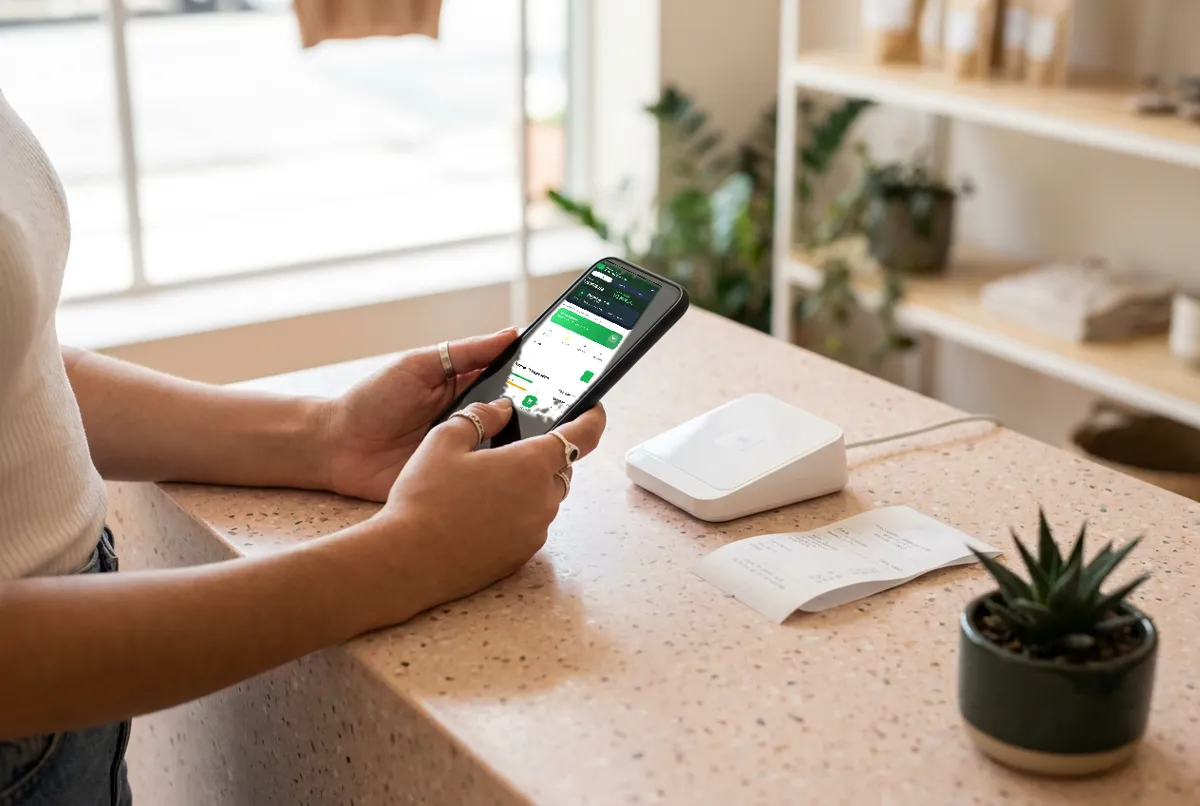
Street market, kiosk, countryside or just a weak signal at the back of the shop: in the PDVyn app, products, prices and customers are already on the phone. You sell as usual, and sales upload on their own when the connection is back.

Freesells offline already1×each sale recordedAutosends when you're back online
PDVYN · OFFLINE saved on the device
Barraca de feira vendendo com o celular
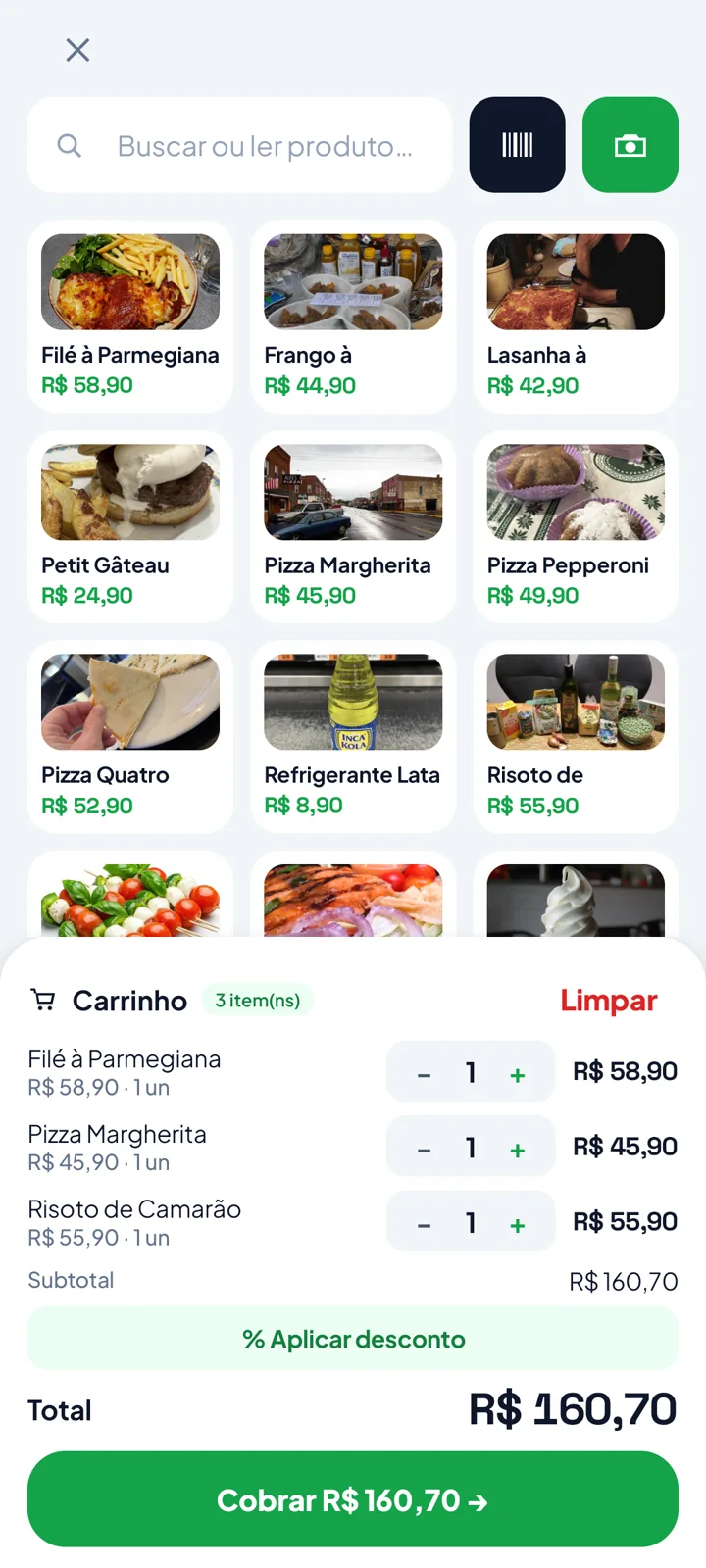
PDV do PDVyn no celular
Offline mode3 sales in the queue
Venda no balcão com o celular
01at the counter, offline

What works without internet

Everything that happens at the moment of sale runs on the phone itself. The app doesn't wait for a connection to record it.

Sell at the counterSearch by name, barcode or SKUScan with a Bluetooth scannerSell by weight and with variantsCash, instant transfer, card and store creditAdd a new customerTake store credit paymentsUpdate stock instantly

Product variants on the Pro and Prime plans. Selling offline is in every plan, Free included.

02when the connection is back

From offline sale to dashboard, with no rework

1

Sale saved

The sale is saved on the phone with a unique ID, and stock goes down right away.

2

Pending sales in plain sight

A small notice shows how many sales are waiting to be sent.

3

Sends on its own

With a connection, the app sends the sales without you pressing anything.

4

No duplicates

The server records each sale only once, even if it's sent again.

Feira livre com barracas
out on the streetno signal

The street market has no Wi-Fi. Your stall's register doesn't need it.

03to plan ahead

What needs a connection

The counter keeps running without a network. These parts wait for the internet to come back:

01Signing inThe first sign-in and any new sign-in on the device.
02Adding and editing productsPhotos included. What's already set up keeps selling offline.
03Opening and closing the cash drawerThe cash count is recorded on the server.
04Receipt links and payment linksThe link is created when the sale reaches the server.
05Online store and ordersThe storefront lives online; orders arrive when you're connected.
06Dashboard on your computerSales made offline show up on the dashboard once they're sent.

Frequently asked questions

Yes, in the Android app. Products, prices and customers are stored on the phone, so you sell, take payment and update stock with no connection. Sales upload when the connection comes back.

No. Pending sales are stored on the device and survive app updates. Signing out or having your session expire doesn't erase anything either: when you sign back in, they upload.

No. Each sale gets a unique ID on the phone, and the server records it only once, even if it's sent again.

Yes. Selling offline is in every plan, Free included.

Each device takes the item out of stock right away. When they sync, the server adds up the sales from every device without overwriting the balance.

Keep exploring

Android POS app

Your whole register on the Android you already own.

Point of sale

Scanner, change, payment methods and receipts.

Customers & store credit

Store credit with limits, due dates and reminders.

There's still time to get this month in order

Create your account in two minutes, add five products and make your first sale today.

Start free Email us Get it onGoogle Play

No card to start · 15 days of Pro free · cancel anytime