
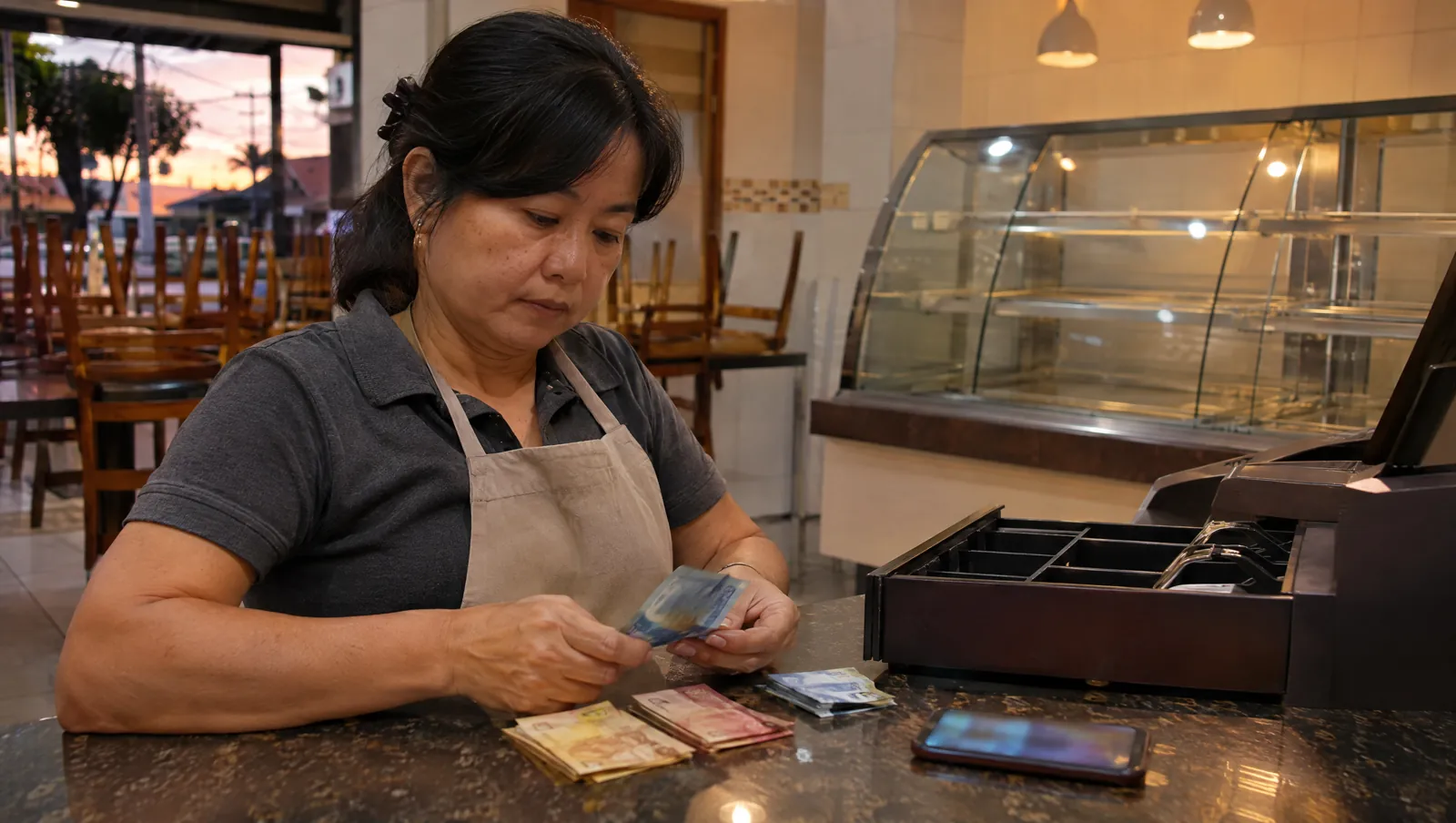
To close a cash register, count the cash in the drawer and compare it with what should be there. What should be there is the float you opened with, plus cash sales and any cash you added, minus the cash you took out and anything you paid from the drawer. If the count matches, the drawer balances; if it doesn't, you write down the difference with a note and look for the cause.
Below is the full routine, with a closing sheet you can copy.
The words, kept simple
Every shop has its own names for these things, so here's what we mean in this guide.
The opening float (some people say starting cash or the bank) is the cash you put in the drawer in the morning so you can give change. It isn't a sale. It's the shop's money moving from the safe to the drawer.
A cash drop is cash you take out of the drawer during the day. You do it so a lot of cash doesn't sit at the counter, or to take it to the bank or the safe.
A pay-in is the opposite: cash you put into the drawer mid-shift, usually because you're running out of change.
A paid-out is when you pay for something with drawer cash: the delivery driver, a bag of ice, a window cleaner. Log it the same way as a cash drop, or it will show up as a shortage at closing.
One rule saves a lot of confusion. Card payments, contactless, bank transfers and payment apps never go in the drawer. They count toward the day's sales, but the drawer count is only for physical cash. You check those payments somewhere else, as explained further down.
Opening the register: start the same way every day
A closing only balances if the opening was done right. Five minutes in the morning save an hour of searching at night.
Count the float before you open the doors, sorted by bill and coin, and write down the total. Use the same amount every day if you can (for example, $150: $120 in small bills and $30 in coins). When the amount never changes, a counting mistake jumps out.
If more than one person works the register during the day, each person opens and closes their own shift. When two people share one drawer at the same time, nobody knows whose difference it is.
Cash drops: when and how
There's no right amount for everyone, but there's a sensible rule: set a ceiling for the drawer and make a drop whenever you go over it. Say a coffee shop takes a lot of cash in the morning, and the owner decides the drawer never holds more than $500. At 10 a.m. it has $720, so she takes out $500, leaves $220 and carries on.
For every cash drop, write down:
- the amount;
- the time;
- who took it;
- where the money went (safe, bank, supplier).
Put the cash in an envelope with the amount written on the outside. At the end of the day, the envelopes should add up to the drops you logged. It feels like paperwork until someone asks where the $300 from lunchtime went.
How to close a cash register: the closing sheet
At the end of the day, with the doors locked or no one in line, go in this order. Copy the table into a notebook or print one per day.
| Line | What to write | Example |
|---|---|---|
| A | Opening float | $150.00 |
| B | Cash sales for the day (from the register report) | $1,230.00 |
| C | Cash received outside a sale (a customer paying down store credit, for example) | $60.00 |
| D | Pay-ins added to the drawer | $50.00 |
| E | Cash drops taken out | $800.00 |
| F | Paid-outs from the drawer | $40.00 |
| G | Expected in the drawer = A + B + C + D - E - F | $650.00 |
| H | Counted in the drawer (bills + coins) | $645.00 |
| I | Difference = H - G | -$5.00 (short) |
| J | Note and who closed | "Possible wrong change around 5 p.m. Closed by Ana." |
All amounts are examples. The routine, in short:
- Print or open the day's sales report, split by payment method.
- Count the drawer twice, ideally with two different people or by sorting bills by value first.
- Add up the drops and paid-outs and check them against the envelopes and receipts.
- Fill in the sheet and work out the expected amount.
- Write down the difference, even when it's zero. "Balanced" is information too.
- Set aside tomorrow's float and put the rest in the safe or take it to the bank.
- Keep the sheet. A difference only means something when you look at the whole month.
When the drawer doesn't balance
A small difference now and then is normal in a shop that handles cash. What should worry you is a difference that keeps coming back, always in the same direction or always on the same person's shift.
Before you suspect anyone, check the usual causes:
| What you see | Likely cause | How to check |
|---|---|---|
| Short by a round amount ($20, $50) | A cash drop or paid-out nobody logged | Ask who opened the drawer and look for the envelope |
| Over by the amount of one sale | A cash sale rung up as card or transfer | Compare card and transfer sales in the system with the processor report and bank statement |
| Short by the amount of one sale | A card or transfer sale rung up as cash | Same check, the other way around |
| Short by small, odd amounts ($2.30, $4.80) | Wrong change | Practice giving change and count large bills in front of the customer |
| Short with no pattern | A sale that went out without being rung up | Go through the day's activity hour by hour |
Two habits help a lot. First, never "fix" the drawer by adding or removing your own money without writing it down. It hides the problem, and the problem comes back tomorrow. Second, write the note while you still remember what happened. At the end of the month, read all the notes together and look for the pattern: day of the week, time, cashier.
What about cards and digital payments?
They stay out of the drawer, not out of your control. Once a day, or once a week if you're not busy, compare the card total in your POS with the report from your card processor, and transfers or app payments with your bank statement. The processor report shows the gross amount; what lands in your account already has the fees taken out. To see what you keep from each card sale, use the card fee calculator.
When an employee closes the register
Each cashier opens and closes their own drawer, with their name on the sheet. That way every difference has an owner, and nobody gets blamed for someone else's mistake.
A common question is whether you can take a shortage out of the employee's pay. The answer depends on labor law where you are, sometimes down to the state or province, and the rules can be strict. Before you deduct anything, check with your local labor department or your accountant, and read the employment agreement you signed.
Closing the register in PDVyn
If you use a POS, most of the sheet above fills itself in. In PDVyn the register works in four moments, as the cash register page shows:
- At opening, you enter the float.
- During the day, cash sales come in on their own, and you log cash drops, pay-ins and one-off payments with the amount, the reason and who did it.
- At the count, PDVyn shows the expected amount and you type what you counted.
- At closing, any surplus or shortfall is saved with a note and the person responsible, and nothing is erased.
Afterwards you can look up the register history by day and by operator, see how much came in as cash, transfer and card, and print or save the day's summary as a PDF. Each store closes its own register, and the dashboard adds them up.
One detail for anyone with weak signal: in the Android app, selling works offline, but opening and closing the drawer need a connection, because the count is recorded on the server. Open the register before you head to the market or to the back of the shop where the signal drops. The full list is on the offline POS page, and the routine for selling without signal is in our guide to selling without internet. Payment methods and receipts at the counter are on the point of sale page.
For shops with a lot of cash at the counter, like bakeries, the bakery POS page shows how the counter runs with a fast line. Plans go from Free ($0, up to 50 products and 1 user) to Prime ($40 per month, unlimited team and multiple stores), with Essencial at $15 and Pro at $22, per store. Every new account gets 15 days of Pro with no card. Compare them on the pricing page. PDVyn does not issue tax documents; if your business needs them, you'll need another system for that.
Frequently asked questions
What's the difference between a cash drop and a pay-in?
A cash drop takes money out of the drawer during the day, for the safe, the bank or a payment. A pay-in puts money into the drawer, usually for change. Log both with the amount, the time and who did it.
It's just me in the shop. Do I need to open and close a register?
You don't have to, but it's what keeps the shop's money apart from yours. Without an opening and a closing, you can't tell whether the month made money or whether cash just passed through the drawer.
Do card payments go into the cash count?
They go into the day's sales total, not into the drawer count. The drawer is for physical cash only. Check card sales against your processor's report and transfers against your bank statement.
How much float should I start with?
It depends on how busy you are and how often customers pay with large bills. Start with a fixed amount, watch for a week whether you run out of change before closing, and adjust. Keeping the same amount every day makes mistakes easier to spot.
Can I take a register shortage out of an employee's pay?
That depends on labor law where you operate, and in some places it's tightly restricted. Ask your local labor department or your accountant before you deduct anything.
How often should I make a cash drop?
Set a ceiling for the drawer and drop cash whenever you go over it. A busy cash business might do it several times a day; a quiet shop might do it once in the middle of the afternoon.
Read next: what is a POS system.
Updated November 28, 2026.