
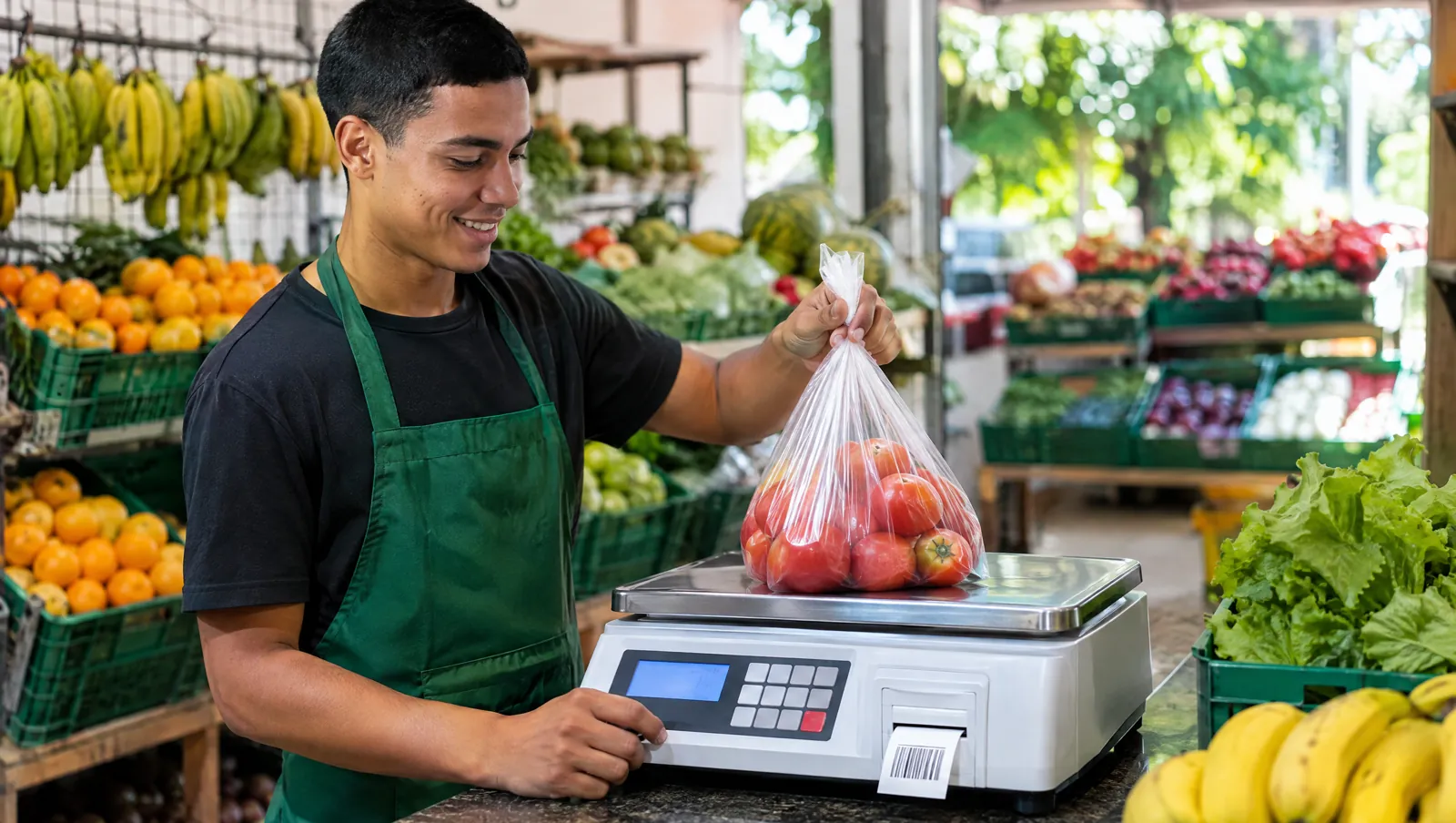
To sell by weight, you set up the product with a price per kilo (or per pound), weigh it and get that weight to the register. You can type the weight in, or you can scan the label a label printing scale prints, whose barcode already says which product it is and how much it weighed or cost. This guide explains what's inside that label, how to set up the register to read it and the habits that keep a butcher, deli or produce shop from losing money.
Our examples use kilograms and dollars. If your scale works in pounds the logic is the same, but check that your POS supports the unit your scale prints.
Two ways to sell by weight at the counter
The first is the simplest. The scale only shows the weight, and the cashier types it in. It works in a small shop with a short line, or at a market stall. The risk is a typo. Typing 0.850 instead of 0.580 on a pricey steak changes the total a lot, and nobody notices in the moment.
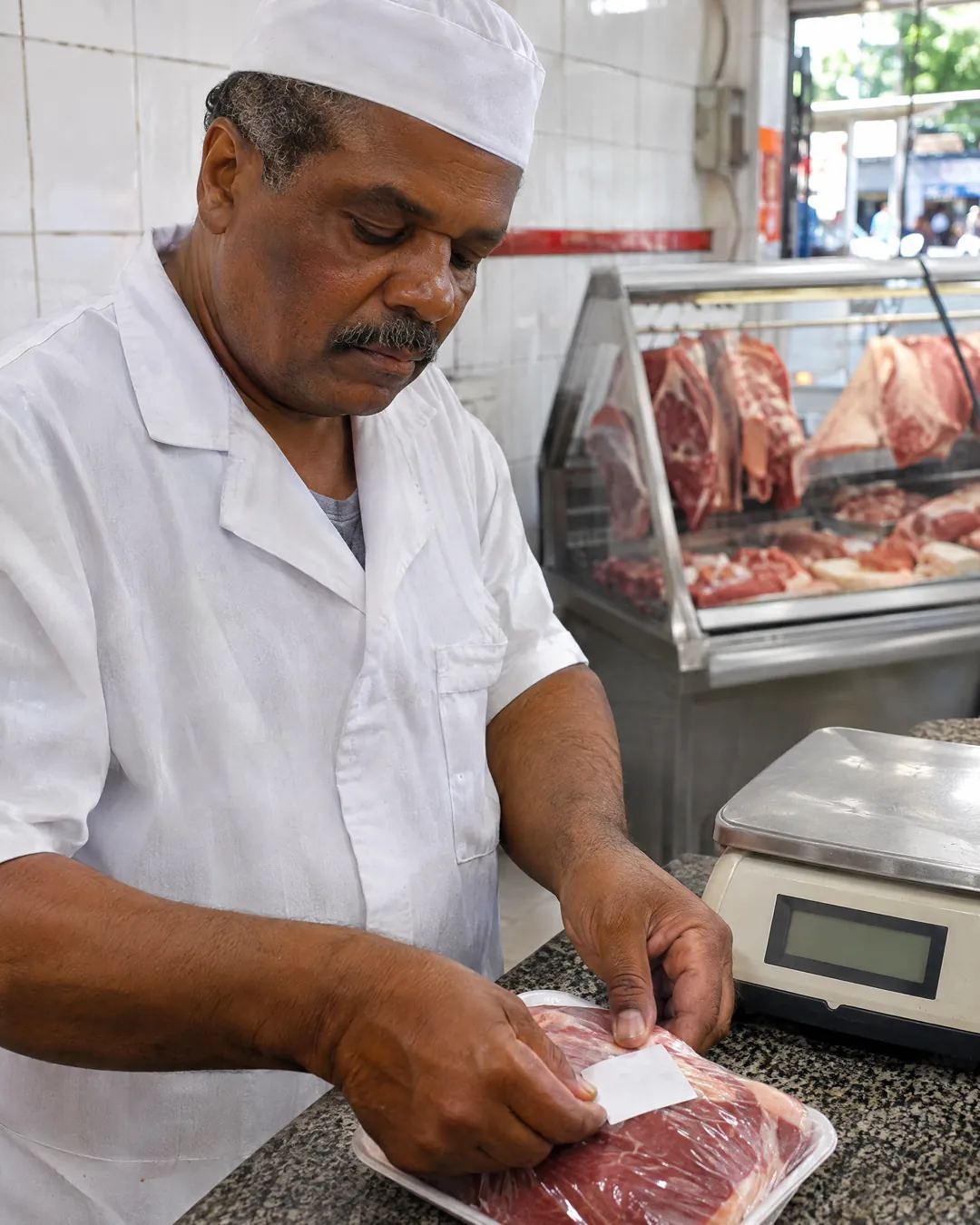
The second uses a label printing scale. The clerk weighs the item, the scale prints a barcode label, the clerk sticks it on the package and the customer carries it to the register. There, the scanner reads that barcode like any other product. Weight and price go in correctly, and nobody touches the keyboard.
If you're busy, the second way pays for itself in fewer arguments at the register and fewer differences at the end of the day. If you sell only a little by weight, typing is fine.
What's inside the scale label
Outside North America, the label usually uses the same barcode format as packaged goods, EAN-13, with 13 digits. The difference is what the digits mean.
A packaged product has a fixed number, built on a GS1 Company Prefix that the manufacturer licenses. A tray of ground beef can't have a fixed number, because every tray weighs something different. For that, GS1 sets aside the prefixes 200 to 299 for what it calls restricted circulation numbers, "used to issue GS1 Restricted Circulation Numbers within a geographic region (MO defined)" (GS1 Company Prefix list, accessed Nov 28, 2026). MO stands for member organisation: the GS1 office in each country decides how those numbers are structured there. So the ranges are global, and the exact layout is local.
In the US and Canada, where 12-digit UPC-A barcodes are the norm, the same idea shows up as a barcode that starts with 2. On the same GS1 list, that's the range 020 to 029, also defined by the member organisation.
In practice, a scale label splits into four parts. Here's the example from PDVyn's sell by weight page:
| Part | Example | What it means |
|---|---|---|
| Prefix | 20 | Tells the register this is a scale label, not a packaged product |
| Product code | 01234 | The number the scale uses for that product (the "cheese code") |
| Weight or price | 00750 | 0.750 kg, or $13.50 if it's a price label (01350) |
| Check digit | 4 | A control number the scanner uses to confirm it read the code correctly |
The full code in this example is 2001234007504. How many digits each part takes, and where each part starts, depends on the scale and how it was set up. That's why the register needs to know your label's format before it reads the first one.
How the check digit is worked out
The last digit isn't random. GS1 explains the math (accessed Nov 28, 2026): for a 13-digit code, multiply the first 12 digits by 1 and 3 in turn, starting from the left with 1, so the 12th digit gets 3. Add it all up, then subtract the sum from the nearest equal or higher multiple of ten.
For 200123400750:
| Digit | 2 | 0 | 0 | 1 | 2 | 3 | 4 | 0 | 0 | 7 | 5 | 0 |
|---|---|---|---|---|---|---|---|---|---|---|---|---|
| Multiplier | 1 | 3 | 1 | 3 | 1 | 3 | 1 | 3 | 1 | 3 | 1 | 3 |
| Result | 2 | 0 | 0 | 3 | 2 | 9 | 4 | 0 | 0 | 21 | 5 | 0 |
The sum is 46. The next multiple of ten is 50, so the check digit is 4. If the label gets creased and the scanner misreads a single digit, the math no longer works and the scan is rejected, instead of a wrong weight going through. You never have to do this by hand; the scale and the scanner do it. It does explain why a damaged label sometimes "won't scan". GS1 also has a check digit calculator if you want to test a code.
Weight label or price label: which to use
Depending on the scale and its settings, the barcode carries either the weight or the price. Both work, but they behave differently.
With a weight label, the code carries the kilos, and the register multiplies by the price per kilo saved in the system. Example: 0.750 kg × $18.00/kg = $13.50. If you change the price in the system (a late-afternoon markdown, say), the new math applies right away, even if the scale still has the old price.
With a price label, the scale already did the math, and the code carries the total. The register uses the price per kilo in the system to work out how much was weighed and reduce stock. Example: $13.50 ÷ $18.00/kg = 0.750 kg. The catch is that the price on the scale and in the system must always match. If the scale says $19.00 and the system says $18.00, the customer pays the scale's price and stock goes down by a weight that doesn't match what left the counter.
If you're just starting, go with the weight label. The price then lives in one place only.
Step by step: getting the scale and the register to agree
- Find out from the scale's manual or menu how it builds the code: which prefix it uses, how many digits the product code has and whether it prints weight or price.
- Print a test label for a product you know and write down the printed code.
- In your POS, enter the prefix, plus the position and length of the product code and of the weight (or price).
- In each weighed product's record, enter the same code the scale uses for it. If the cheese is 01234 on the scale, it has to be 01234 in the system.
- Check that the price per kilo matches on both ends.
- Scan the test label and compare the product, weight and total with what the scale showed.
- Repeat the test with one product from each section (meat, deli, fruit, bread) before you use it on a busy day.
Habits that keep you from losing money
Use the tare. The tray and the bag aren't meat. Set the tare for the packaging you use, or the customer pays for foam and your stock drops by weight that never existed.
Stock for weighed products needs decimals. If your system only accepts whole numbers, a 750 g sale turns into "1 unit", and within a week the stock figure has nothing to do with what's in the cooler.
A cancelled sale has to give the weight back. Customer changed their mind about the tray? The weight goes back into stock rather than vanishing.
Have a plan for labels that won't scan. Agree with the team that if a label fails, they type the code and the weight printed on it, and never guess.
And record shrinkage. Meat that turned dark and bread left at closing are stock going out too, in kilos. Our inventory management guide shows how to log it.
Butcher, produce shop and bakery: what changes
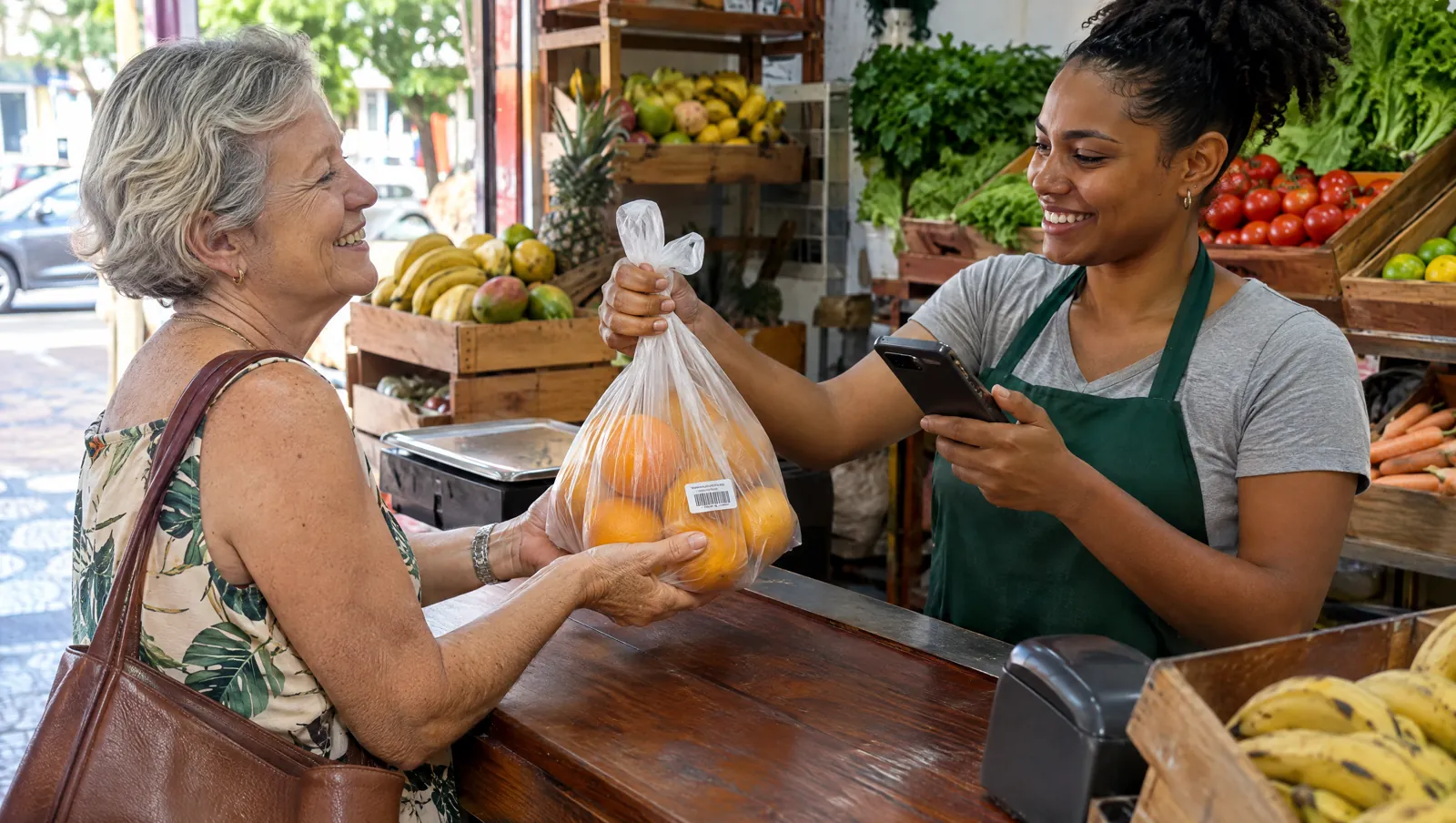
At a butcher, nearly everything sells by weight and the price per kilo is high, so a typing mistake costs real money. Scale labels make more difference here than anywhere else. The butcher shop POS page shows cuts weighed on the spot with stock in kilos.
At a produce shop, items sold by weight (bananas, tomatoes) share the basket with items sold by the unit (a head of lettuce, a bunch of herbs), and prices change often. Weight labels help, because the day's price stays in the system. See the produce shop POS.
At a bakery, bread and pastries sold by weight share the counter with whole cakes and coffee sold by the unit. The morning line moves fast, and scanning a label saves a few seconds on every customer. More on the bakery POS page.
Selling by weight in PDVyn
PDVyn reads labels from any scale that prints barcodes, in both formats: weight or total price. You set it up once with the prefix (almost always 20, but you can change it), where the code and the weight sit, and whether the label carries weight or price. Then, in each product's record, you enter the number the scale uses for it. You can scan with a barcode scanner or with the phone's camera, as the Android POS app page shows.
The product lands in the cart with the weight, the price per kilo and the total, and stock goes down by the exact amount, to three decimal places. If the sale is cancelled, the full weight goes back into stock. In the Android app, label scanning and checkout work offline: the scale settings are kept on the phone, and the sale syncs when the connection is back.
All of this is on the sell by weight page. Plans go from Free ($0) to Prime ($40 per month, per store), with Essencial at $15 and Pro at $22, and every new account gets 15 days of Pro with no card. See what each plan includes on the pricing page. PDVyn does not issue tax documents; if your business needs them, you'll need another system for that.
Frequently asked questions
Why does a scale label start with 2?
Because GS1 reserves the prefixes 20 to 29 (and 020 to 029 for 12-digit codes) for restricted circulation numbers, used only within a geographic region. That's how the register knows the code isn't a packaged product but something weighed on the spot. How the rest of the number is laid out is set by the GS1 office in each country and by your scale's settings.
Can any barcode scanner read a scale label?
The label is an ordinary EAN-13 or UPC-A barcode, so any scanner that reads grocery products will read it. What has to "understand" the code is the POS software, which needs to know where the product code and the weight sit.
Is a weight label or a price label better?
A weight label, if your system supports it. The price lives in one place and a markdown applies right away. A price label works too, as long as the price on the scale and in the system always match.
Do I need internet to sell by weight in PDVyn?
No. In the Android app, label scanning and checkout work offline and sync when the connection is back.
Does stock go down in kilos?
In PDVyn, yes. Stock for weighed products is kept to three decimal places, so 0.750 kg sold leaves stock as 0.750 kg, and a cancelled sale gives the weight back.
Will it work with the scale I already have?
It works with any scale that prints barcode labels. You tell PDVyn the prefix and where the code and the weight sit, with no new equipment.
Read next: offline POS: how to sell without internet.
Updated November 28, 2026.